Webinar: AI & Automation — The Strategic Review of What’s Worth Your Time (and Risk)
During the webinar, Marlisa Post explored the differences between AI and automation, walked through tools and examples relevant to nonprofit teams, and discussed what to consider before putting these solutions into practice. From streamlining recurring tasks and working with donor data to protecting sensitive information and checking results, the conversation focused on finding practical uses that make sense for your team.
We covered a lot, so here are a few key takeaways to keep in mind:
- Match the tool to the task. Automation works well for repeatable processes with clear rules, while AI can help interpret information, analyze data, and generate content.
- Start with the tools you have. Raiser’s Edge NXT Workflows, Power Automate, Excel Power Query, Power BI, and other tools offer ways to streamline processes, troubleshoot issues, and improve reporting.
- Look for everyday opportunities. AI can help with tasks like analyzing donor giving trends, documenting procedures, summarizing research, and working through Excel formulas or automation challenges.
- Protect your data and check your results. Follow your organization’s guidelines for using AI, safeguard donor information, and test outputs and workflows before relying on them.
- Be intentional about what you automate. Start with a recurring task, consider the time and effort involved, and evaluate whether the solution delivers enough value to maintain it.
The goal isn’t to use AI or automation just because it’s available. It’s to find the right opportunities to reduce repetitive work, make better use of your time, and keep people and good judgment at the center of the process.
Related Posts
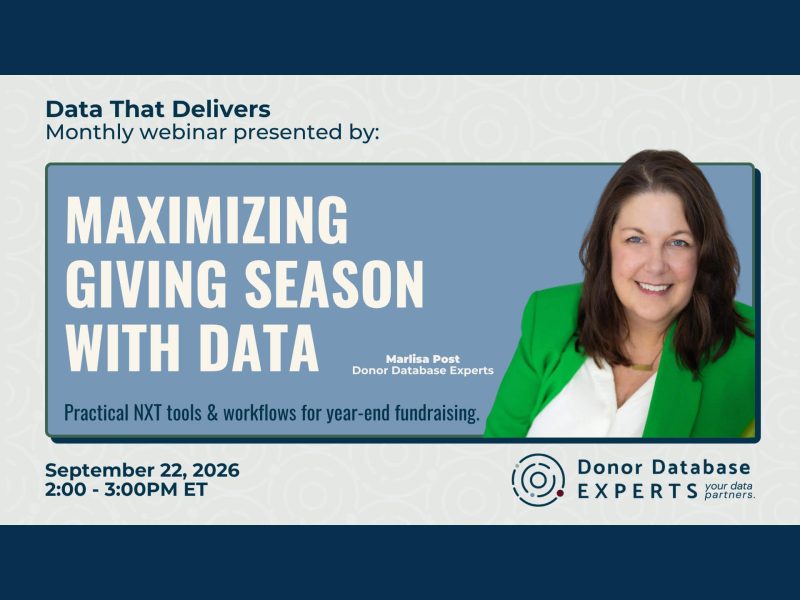
Webinar: Maximize Giving Season with Data
Learn how data cleanup, donor segmentation, flexible giving options, and thoughtful stewardship can strengthen year-end fundraising.
Webinar: The Great NXT Migration
Explore the Raiser's Edge NXT migration, including what to move to web view now, which features add value, and what can stay in Database View.
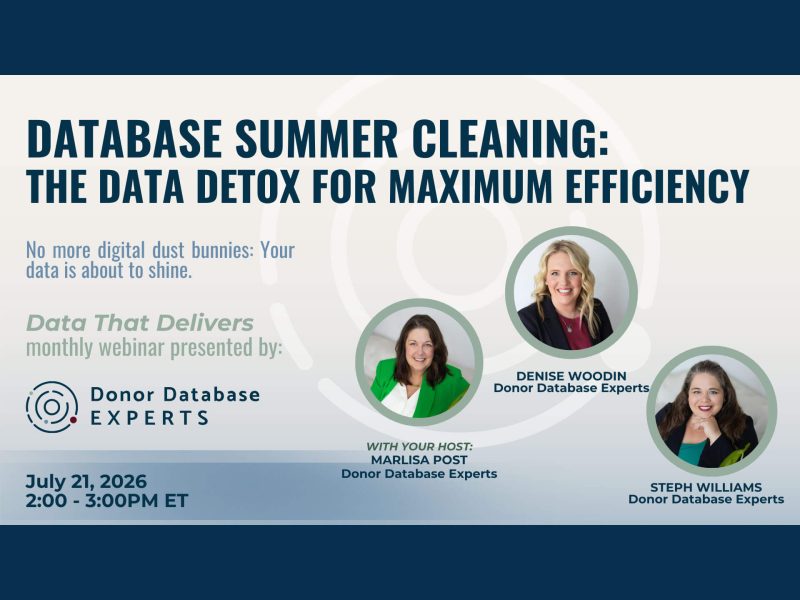
Webinar: Database Summer Cleaning
In this webinar, we discussed how to identify and clear out digital clutter across every layer of your database.